Thermostat Blank or Unresponsive: What to Check First
Thermostat Blank or Unresponsive: What to Check First
Table of Contents
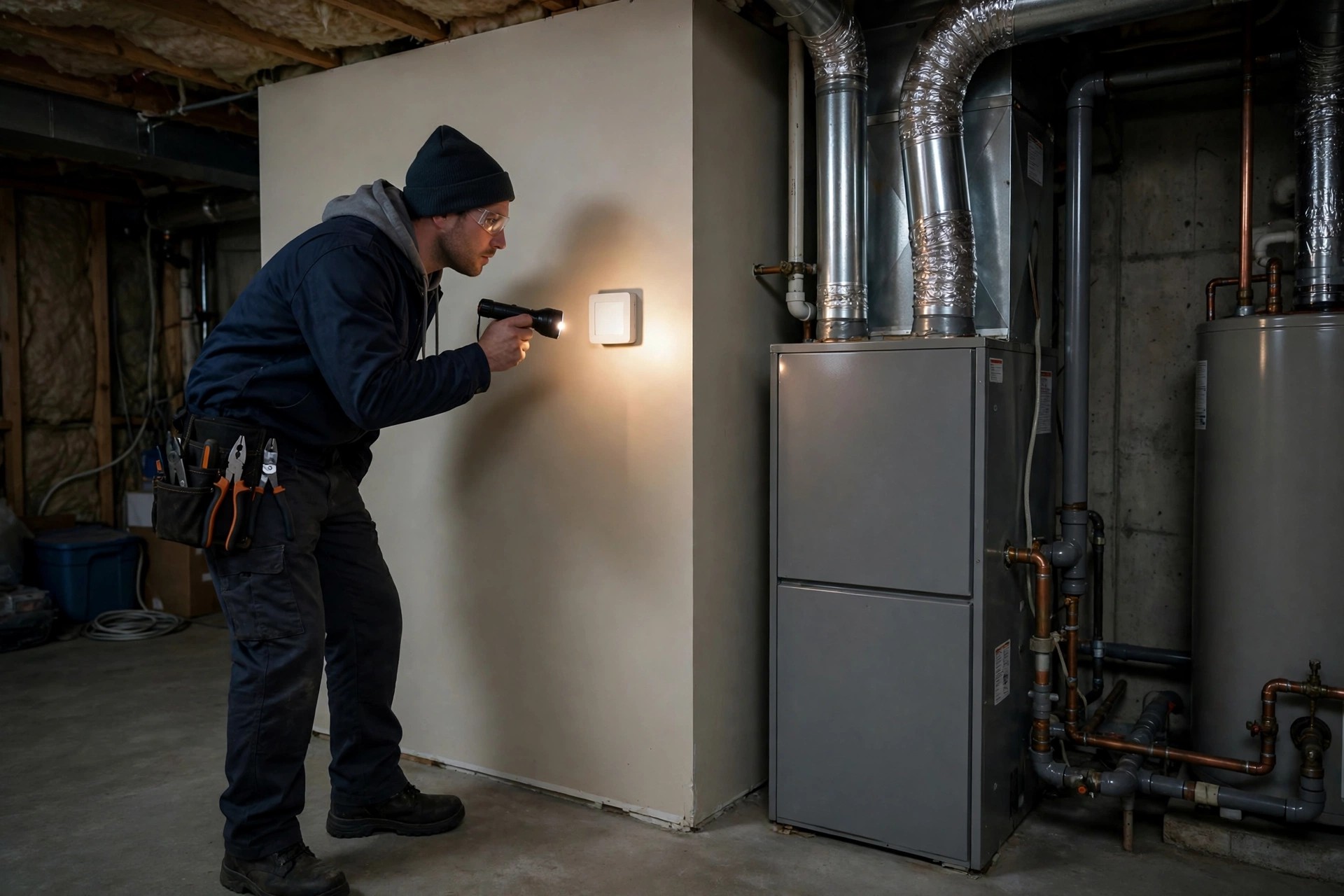
A thermostat blank or unresponsive screen is one of the most confusing heating problems in an Ontario home. You walk past the thermostat, expect to see the temperature, and find nothing: a dark screen, buttons that do nothing, and a furnace that stays silent no matter how high you turn the setting. It feels like a major breakdown, but the cause is often simple, and the checks below will help you tell the difference.
This guide explains a thermostat blank or unresponsive fault in plain language: what you are noticing, the causes a technician finds most often, the safe checks you can do yourself, and the parts you should never touch. A blank screen usually means the thermostat has lost power, or the furnace has shut itself down for safety. Both need a careful, step-by-step approach, not repeated button pressing.
What you are noticing
The pattern is usually one of these. The thermostat screen is completely dark, with no numbers, icons, or backlight. Or the screen lights up but does not respond to touch or buttons, and the temperature setting cannot be changed. Sometimes the screen flashes briefly when you press it, then goes dark again.
At the same time, the furnace does not start. There is no inducer fan, no burner sound, and no warm air at the vents. That combination matters: a thermostat that cannot talk to the furnace cannot call for heat, so the whole system sits idle even though the house is getting colder.
- A screen that is dark all the time, day and night
- A screen that shows a temperature but ignores every button press or tap
- A screen that goes blank only when the furnace tries to start
- A smart thermostat that shows a low-battery or power warning before going dark
- A thermostat that went blank right after a power outage, a breaker trip, or furnace work
Note when the screen went blank, whether the furnace makes any sound at all, and whether anything else in the house lost power. Those three details help narrow down the cause quickly.
Thermostat blank or unresponsive: what to check first
Start with power, not with the thermostat itself. Most thermostats get their power from the furnace, from batteries, or from both. If the furnace has no power, or a safety device has cut power to protect the system, the thermostat screen is often the first thing that goes dark.
What it usually means
These are the usual causes of a thermostat blank or unresponsive screen, ranked most likely first:
- Dead or weak thermostat batteries. Battery-powered thermostats simply go dark when the batteries die. This is the most common cause, and the easiest to rule out, especially after a long heating season.
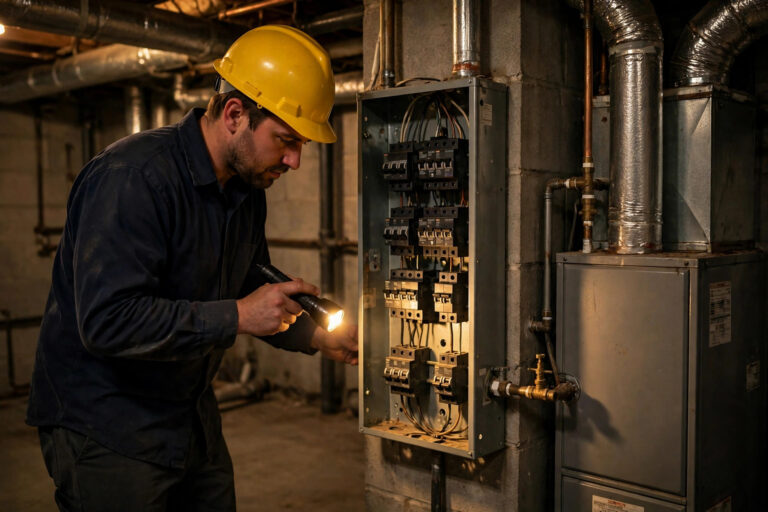
- Furnace power switch off, or breaker tripped. The furnace has its own wall switch near the unit, often mistaken for a light switch, plus a breaker in the electrical panel. If either is off, the thermostat may lose its power supply and the furnace cannot run.
- Blown low-voltage fuse on the furnace control board. A short in the thermostat wiring, often during a thermostat change or a wiring knock, can blow the small fuse that protects the control circuit. The furnace stops, and the thermostat goes blank.
- Tripped safety switch. A furnace door switch that is not fully engaged, a condensate safety switch on a high-efficiency furnace, or a float switch tripped by a blocked drain can cut power to the control circuit. The system is protecting itself, and the blank screen is the symptom you see.
- Loose, damaged, or disconnected thermostat wiring. A wire pulled loose during painting, renovation, or thermostat replacement breaks the connection between the thermostat and the furnace. The screen may flicker, freeze, or go dark.
- Failed thermostat. Thermostats do wear out. A failed display, a failed internal power supply, or a smart thermostat that has lost its common-wire power can leave the screen blank even when the furnace itself is fine.
- Furnace control board or transformer problem. If the transformer that supplies low-voltage power to the thermostat has failed, or the control board has a fault, the thermostat cannot power up. This needs testing instruments to confirm, and it is professional work.
Only a technician with the furnace cabinet open and a meter in hand can tell the last few causes apart with certainty. The safe checks below rule out the simple ones first, without opening anything you should not open.
Safe checks you can do yourself
You can rule out the simple causes of a thermostat blank or unresponsive screen without opening the furnace:
- Replace the batteries. If your thermostat uses batteries, put in fresh ones of the correct type, checking the positive and negative ends. If the screen comes back, set the thermostat to heat and watch it through a full heating cycle.
- Confirm furnace power, once. Make sure the furnace wall switch near the unit is on and the breaker in your electrical panel has not tripped. If the breaker trips again right away, stop and do not keep resetting it.
- Check the rest of the house power. If lights and outlets are also out, the problem is a house power outage or a main breaker, not the thermostat. Wait for power to return before judging the heating system.
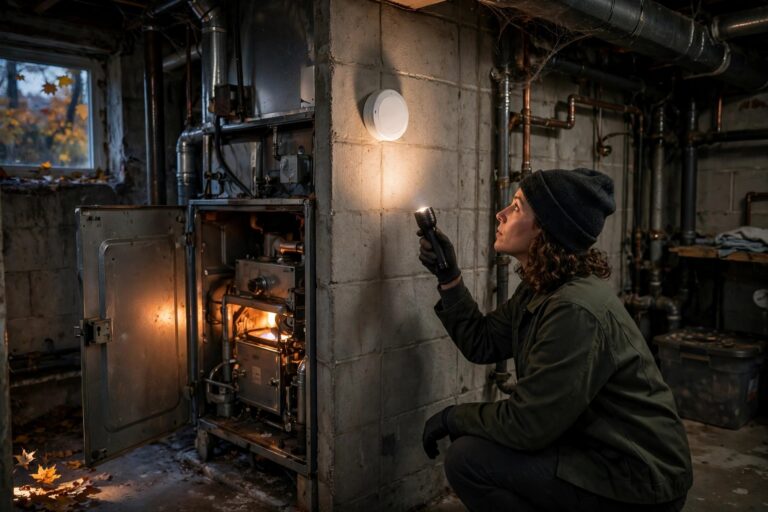
- Check the furnace door. Without opening the cabinet, look to see whether the front panel is seated properly. Many furnaces will not run if the door safety switch is not engaged, and a panel knocked loose during filter changes is a common cause.
- Check the filter and the condensate drain area. A badly clogged filter, or water visible around a high-efficiency furnace condensate drain, can be linked to a safety shutdown. Replace a clogged filter, but do not open drain traps or pump housings yourself.
- Try a gentle reset, once. For a smart thermostat, follow the maker’s own reset steps for a frozen screen, such as removing it from its wall plate for a minute and reseating it. If it stays blank, stop there.
- Do not keep pressing buttons. Repeated presses on an unresponsive screen will not restore power, and on some models they can change settings you will have to undo later.
If fresh batteries, the furnace switch, and the breaker bring the screen back and the furnace starts normally, watch it through the next few heating cycles. If the screen goes blank again on the next call for heat, the underlying fault is still there.
Thermostat blank or unresponsive: the battery and power sequence
Work in this order: batteries first, then the furnace wall switch, then the breaker, then the furnace door seating. Skipping ahead to wiring or the control board is where homeowner checks turn into damage, so stop at the end of this sequence if the screen is still dark. Related heating symptoms, such as a furnace that hums but never starts, are covered in the furnace humming guide and the wider symptoms guide.
What not to touch
Some parts of a heating system are never homeowner work, and a blank thermostat can point directly at several of them:
- Gas line and gas valve. Do not touch gas piping or the valve. In Ontario, gas appliance work must be performed by a TSSA-licensed technician.
- Burners and ignition parts. Burners, igniters, and flame sensors involve live gas and the furnace safety chain. Leave them alone.
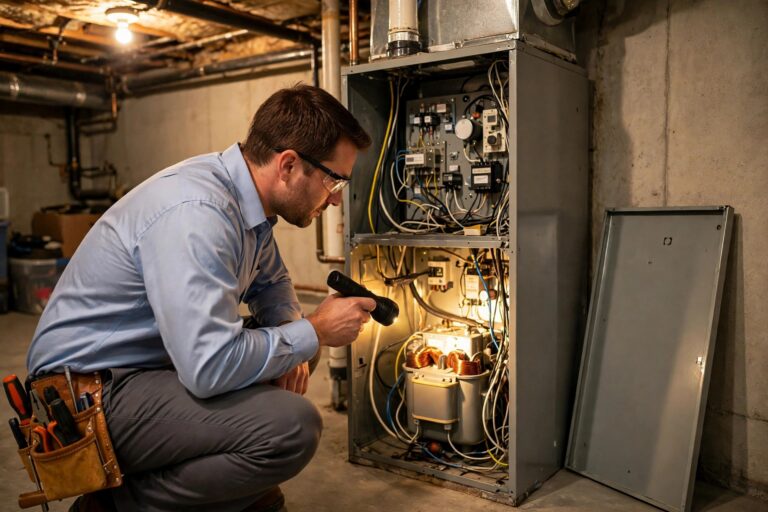
- Wiring inside the furnace cabinet. Thermostat wiring, the control board, the transformer, and the low-voltage fuse all live inside the cabinet. Testing or replacing them needs instruments and training, and a wrong connection can damage the board.
- Refrigerant lines. If your system includes a heat pump or air conditioner, do not touch refrigerant piping or valves. That work is licensed-only as well.
- Electrical panel internals. You may switch a breaker on or off, but do not remove the panel cover or touch wiring inside it.
You can verify a fuels contractor before any work starts through TSSA, Ontario’s public safety regulator, which keeps the registry of authorised heating fuel contractors. Free guides on the tools page can also help you find your filter size and read your furnace rating plate once the system is running again.
Stop and call a licensed technician if
Stop troubleshooting and get a licensed technician in if any of these apply:
- The breaker trips repeatedly, or you see scorch marks, sparks, or a burning smell at the electrical panel or the furnace
- The screen stays blank after fresh batteries, the furnace switch check, and the breaker check
- You see water pooling around the furnace, or the condensate drain is overflowing
- The thermostat wiring looks damaged, melted, or disconnected at the wall plate
- The furnace tries to start, locks out, and needs repeated resets
- You smell gas, or your carbon monoxide alarm sounds. Leave the home and call 911 or your gas utility emergency line from outside
- There is no heat at all in freezing weather, when pipes can freeze and burst
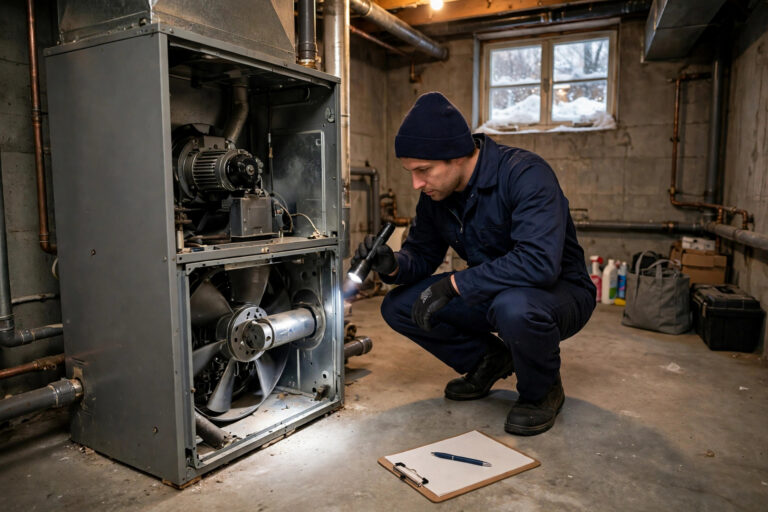
A blank thermostat rarely means the whole heating system has failed. More often it means power is missing somewhere in a short chain, from batteries to breaker to control board, and finding the broken link is a measured job, not a guessing game. If the safe checks above do not bring the screen back, that is the point to stop and let a licensed technician test the circuit properly.
If the job needs a pro, hire a TSSA-licensed technician and ask to see their licence before any gas work starts. You can also browse related heating explainers on the equipment marketplace and compare them with the furnace short cycling guide if your furnace is starting and stopping too often once it runs again.
The Quality HVAC is an information and marketplace platform. We do not install, service, or repair HVAC equipment. Content here is educational only and is not a substitute for a licensed technician. In Ontario, gas appliance work must be performed by a TSSA-licensed technician. If you smell gas or your carbon monoxide alarm sounds, leave the home and call 911 or your gas utility emergency line.


One Comment